
Walking away from a luxury vehicle should be a smooth transition for any driver. Some owners face a nagging Volvo Bluetooth connectivity issue that keeps their phone tethered to the parked transport. This glitch often sends audio through the dashboard instead of the handheld device.
Seeing calls diverted toward an empty cabin is annoying and impacts privacy. If you require a way Fix Bluetooth Volvo errors, looking at software behavior is vital. These sync errors often happen when the infotainment system stays in a standby mode.
Correct syncing prevents unwanted drain on a device battery. By modifying a few options, you can ensure the system disconnects immediately. This creates a much better experience for every modern driver.
Addressing these persistent links ensures digital life moves with you, not your vehicle. This guide explores why these sessions linger and provides clear steps for resolution. Let’s regain control over your wireless environment today.
Key Takeaways
- Identify lingering signal causes.
- Resolve audio routing errors.
- Improve vehicle software behavior.
- Enhance mobile privacy.
- Ensure seamless transitions.
- Prevent device battery drain.
Understanding the Bluetooth Connectivity Issue in Volvo Vehicles
Understanding the root cause of Bluetooth connectivity issues in Volvo vehicles is crucial for resolving the problem. The issue of Bluetooth staying connected after exiting the vehicle is not just a minor annoyance; it can lead to unnecessary battery drain and potential security risks.
The Bluetooth technology integrated into Volvo vehicles is designed to provide seamless connectivity for hands-free phone use, music streaming, and other features. However, when this connection persists after leaving the vehicle, it indicates an underlying issue that needs to be addressed.
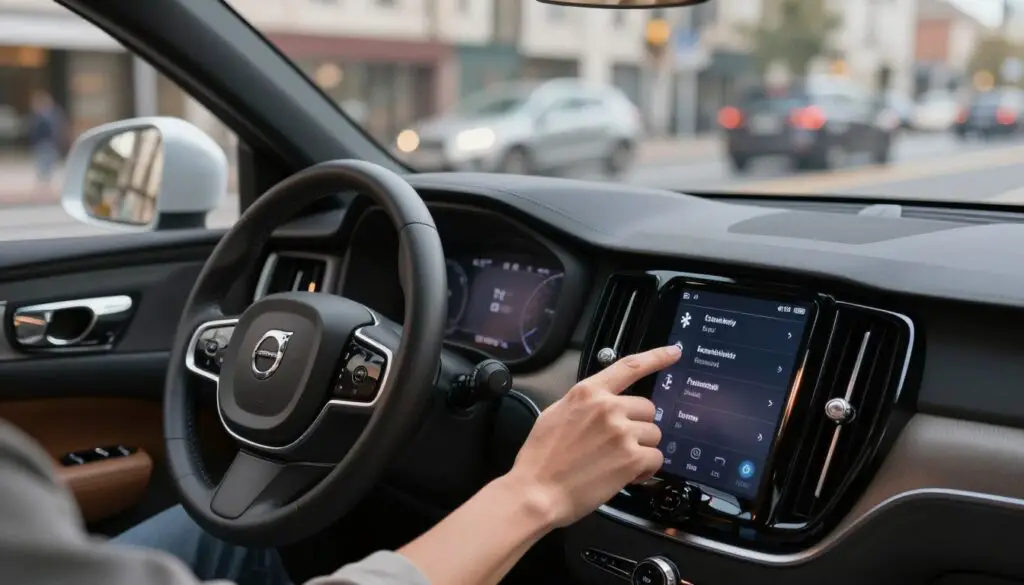
Several factors contribute to this issue, including the advanced Bluetooth capabilities of modern Volvo models, the Sensus Connect infotainment system, and the way phone settings interact with the vehicle’s Bluetooth system.
| Factor | Description | Impact |
|---|---|---|
| Extended Bluetooth Range | Modern Volvo models come equipped with advanced Bluetooth technology that allows for a wider range of connectivity. | Increased likelihood of staying connected even when outside the vehicle. |
| Sensus Connect System | The Sensus Connect infotainment system in Volvo vehicles is designed to provide a seamless user experience. | May cause Bluetooth to remain connected due to its sophisticated connectivity features. |
| Phone Settings | Phone settings and Bluetooth protocols can influence how devices connect and disconnect from the vehicle’s system. | Affects how the Bluetooth connection is managed when leaving the vehicle. |
By examining these factors, Volvo owners can better understand why their Bluetooth stays connected after exiting their vehicle. This understanding is the first step towards finding a solution to the issue.
Why Bluetooth Stays Connected After Exiting Your Volvo
Many Volvo owners have reported that their Bluetooth devices remain connected to their car’s infotainment system even after they’ve exited the vehicle. This issue can be attributed to several factors related to the technology and settings within both the vehicle and the driver’s device.
The Volvo Sensus Connect Bluetooth system is designed to provide seamless connectivity, but sometimes this connectivity persists longer than expected. Understanding the underlying reasons can help in mitigating this issue.
Extended Bluetooth Range in Modern Volvo Models
Modern Volvo models are equipped with advanced infotainment systems that boast an extended Bluetooth range. This enhancement allows for more reliable connections within a larger perimeter around the vehicle. However, this extended range can sometimes cause the Bluetooth connection to remain active even after the driver has left the car.
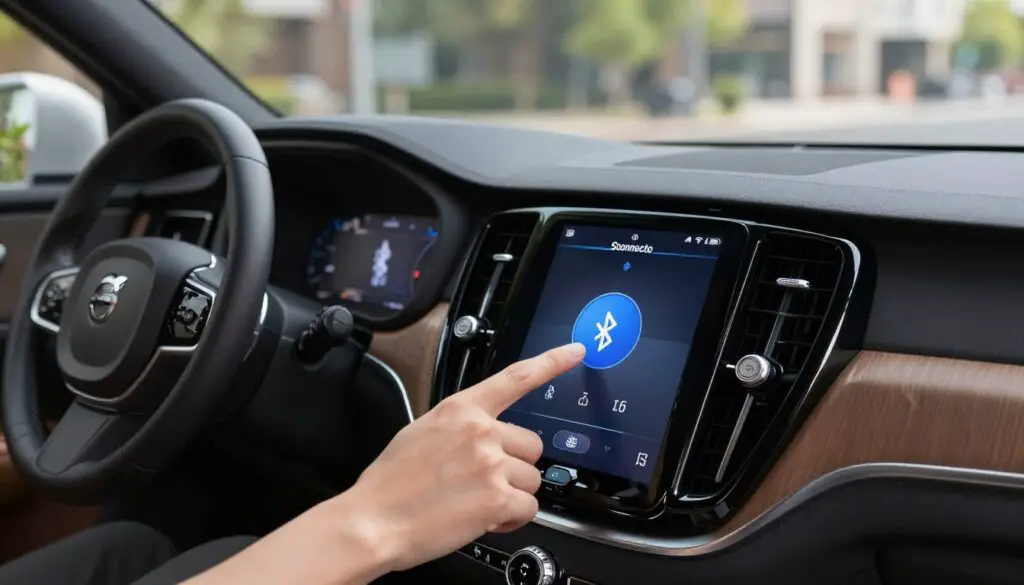
Sensus Connect System Behavior
The Sensus Connect system in Volvo vehicles is designed to integrate smartphones with the car’s infotainment system. This system can sometimes retain a Bluetooth connection due to its inherent design to maintain connectivity for features like hands-free calling and media streaming. The system’s behavior is influenced by both the vehicle’s settings and the paired device’s settings.
Phone Settings and Bluetooth Protocols
Phone settings and Bluetooth protocols also play a significant role in how long a Bluetooth connection remains active. Certain Bluetooth protocols are designed to maintain a connection until a specific timeout period is reached, which can sometimes be misinterpreted as the connection staying active indefinitely.
Adjusting phone settings, such as setting a shorter timeout for Bluetooth connections or disabling certain connectivity features when not in use, can help mitigate the issue.
How to Fix Bluetooth Staying Connected After Leaving My Volvo Car?
The persistent Bluetooth connection issue in Volvo cars can be frustrating, but fortunately, there are effective fixes available. To resolve this problem, you can try several methods that range from simple adjustments on your phone to more detailed settings changes within your Volvo’s infotainment system.
Manually Disconnect Bluetooth on Your Phone
One of the simplest ways to address the issue is by manually disconnecting your Bluetooth connection on your phone whenever you exit your Volvo.
Steps for iPhone Users
- Go to the Settings app on your iPhone.
- Select Bluetooth.
- Find your Volvo’s name in the list of devices.
- Tap the “i” icon next to it and select “Disconnect.”
Steps for Android Users
- Open the Settings app on your Android device.
- Choose Connected devices or Bluetooth.
- Locate your Volvo’s name, tap on it, and select “Disconnect” or “Forget.”
Adjust Volvo Sensus Bluetooth Settings
Adjusting the Bluetooth settings within your Volvo’s Sensus system can also help resolve the issue.
Accessing the Sensus System Menu
To access the Sensus menu, navigate through your infotainment system’s settings. Look for the Bluetooth or connectivity options.
Modifying Connection Preferences
Once in the Bluetooth settings, you can modify preferences to automatically disconnect devices when the car is turned off or when you exit the vehicle.
Forget and Re-Pair Your Device
Sometimes, simply forgetting the device on both your phone and Volvo’s system and then re-pairing them can resolve connectivity issues.
Removing the Device from Your Volvo
Go to your Volvo’s Bluetooth settings and remove your phone’s device listing.
Removing Volvo from Your Phone
Similarly, remove your Volvo’s listing from your phone’s Bluetooth device list.
Re-Pairing Your Device Correctly
After removing the device from both lists, re-pair your phone with your Volvo’s infotainment system following the initial pairing instructions.
Update Your Volvo Infotainment Software
Ensuring your Volvo’s infotainment software is up-to-date can also fix Bluetooth connectivity issues.
Checking for Software Updates
Check your Volvo’s infotainment system for any available software updates.
Installing Updates via USB or Over-the-Air
Follow the on-screen instructions to download and install the updates, either via USB or over-the-air, depending on your Volvo model’s capabilities.
Reset Your Volvo Bluetooth System
If all else fails, resetting your Volvo’s Bluetooth system can be a more drastic but effective solution.
Preventing Future Bluetooth Connectivity Issues in Your Volvo
Preventing Bluetooth connectivity issues in your Volvo requires some simple adjustments to your settings and maintenance routine. By understanding how to manage your Bluetooth connections effectively, you can enjoy a more seamless driving experience.
“The key to a hassle-free Bluetooth connection lies in proper configuration and regular maintenance,” says a Volvo expert. This involves configuring your Volvo’s Bluetooth settings to automatically disconnect when you’re no longer in the vehicle.
Configure Auto-Disconnect Settings
One of the most effective ways to prevent unwanted Bluetooth connections is by configuring the auto-disconnect feature. This setting allows your Volvo’s infotainment system to automatically disconnect your device when you’re no longer in range.
To enable this feature, navigate to your Volvo’s Sensus Connect settings, locate the Bluetooth menu, and look for the auto-disconnect option. Enabling this feature ensures that your device disconnects from your Volvo’s Bluetooth when you exit the vehicle, reducing the likelihood of it staying connected unnecessarily.
Manage Multiple Paired Devices
Managing multiple paired devices is another crucial step in preventing Bluetooth connectivity issues. When multiple devices are paired to your Volvo’s infotainment system, it can sometimes cause confusion and lead to connectivity problems.
To manage paired devices, go to your Volvo’s Bluetooth settings and review the list of connected devices. Remove any devices that you no longer use or that are no longer relevant. This simplifies the connection process and reduces the chance of your Volvo’s Bluetooth staying connected to the wrong device.
- Review the list of paired devices in your Volvo’s Bluetooth settings.
- Remove any devices that are no longer in use.
- Prioritize devices you use frequently.
Regular Software Maintenance
Regular software updates are vital for maintaining the health and performance of your Volvo’s infotainment system. Outdated software can lead to connectivity issues, including problems with Bluetooth.
To keep your Volvo’s software up to date, check for updates regularly through the Sensus Connect system. Updating your software ensures that you have the latest fixes and improvements, which can help prevent Bluetooth connectivity issues.
By following these simple steps, you can significantly reduce the occurrence of Bluetooth connectivity issues in your Volvo, ensuring a more enjoyable and hassle-free driving experience.
Conclusion
By understanding the causes of Bluetooth staying connected after leaving your Volvo car and implementing the suggested fixes, you can enjoy a seamless driving experience. The Volvo infotainment system Bluetooth technology is designed to provide convenience, but sometimes it requires adjustments to function optimally.
To fix Bluetooth connectivity issues in your Volvo, you can try manually disconnecting Bluetooth on your phone, adjusting the Volvo Sensus Bluetooth settings, or updating your Volvo infotainment software. Regular software maintenance and configuring auto-disconnect settings can also help prevent future issues.
By following these steps, you can resolve the issue and ensure a stable connection between your device and the Volvo infotainment system. This will allow you to enjoy hands-free calls, streaming, and other features without interruptions, making the most of your Volvo’s advanced technology features.
FAQ
Why does my Apple iPhone remain connected to the Volvo Sensus system even after I have exited and locked the vehicle?
This behavior is often attributed to the Sensus Connect power management cycle. Many Volvo models, such as the XC90 and XC60, keep the infotainment head unit in a “standby” mode for several minutes to facilitate a faster boot-up upon your return. Furthermore, the Extended Bluetooth Range in modern vehicles can maintain a signal up to 30 feet away, preventing the Apple iPhone from switching back to its internal speaker or Apple AirPods.
Can the Volvo Cars app or Digital Key feature interfere with my Bluetooth disconnection?
Yes. The Volvo Cars app frequently utilizes Bluetooth Low Energy (BLE) to facilitate features like the Digital Key and remote climate start. If your Samsung Galaxy or Google Pixel is set to allow background activity for the app, it may maintain a “handshake” with the vehicle’s communication module, causing the Bluetooth audio profile to stay active longer than expected.
How do I ensure my Volvo XC40 with Google Built-in properly releases my phone’s audio?
For vehicles equipped with Google Built-in (Android Automotive OS), ensuring you have the latest Over-the-Air (OTA) updates is critical. Volvo frequently releases software patches to refine how the system handles the Hands-free Profile (HFP) and A2DP (Advanced Audio Distribution Profile) transitions. If the issue persists, try resetting the infotainment screen by holding the physical home button for 20 seconds until the Volvo logo appears.
Will “forgetting” the device on my Android phone solve the persistent connection issue?
Removing the pairing—often referred to as “Unpairing”—is a highly effective troubleshooting step. By deleting the Volvo entry from your Android Bluetooth settings and simultaneously removing your phone from the Volvo Sensus or Google Built-in device list, you clear the Bluetooth cache. Re-pairing the devices fresh ensures that the latest Bluetooth Protocols are correctly negotiated between the hardware.
Does the presence of multiple paired devices, like a tablet or a second smartphone, affect connectivity behavior?
Absolutely. If you have multiple devices paired, such as an Apple iPad and a Samsung Galaxy, the Volvo system may struggle to prioritize the disconnect command when you exit. To prevent this, manage your paired devices in the settings menu and designate a primary phone. This reduces the conflict between multiple MAC addresses attempting to stay synchronized with the vehicle’s Infotainment System.
Is there a specific setting in Volvo Sensus to force an immediate Bluetooth disconnect?
While there is no single “instant kill” switch, you can modify the Connection Preferences. Navigating to Settings > Communication > Bluetooth allows you to toggle the auto-connect features. Additionally, ensuring that your vehicle is fully locked with the Volvo Key Fob usually signals the Sensus Connect system to enter a deep sleep mode faster, thereby terminating the active Bluetooth link.