
This short guide explains what a Volvo service indicator and maintenance message mean on an XC60 or XC90. These alerts usually point to routine checks like oil level, battery, or other systems. They are reminders, not full diagnostics.
Drivers often seek a reset after routine work, a shop visit, or when a reminder stays on due to timing. A manual reset is normally done with a trip-button sequence and the ignition positions or start button. Successful completion shows a dashboard confirmation alert.
We cover two paths: a manual sequence using the trip computer and ignition, and alternative scans when a message persists. Safety is key — only clear an alert after the actual maintenance is done so the car’s records stay accurate.
This article will also show how a maintenance reminder differs from a check-engine warning, the exact steps for a manual reset, what a correct dashboard confirmation looks like, and when to contact Volvo-certified help. Dashboard warnings can refer to several systems and should not be ignored.
Key Takeaways
- Service reminders mark routine maintenance, not always a failure.
- Reset only after the required work is completed.
- Two methods: manual trip-button sequence or system scan.
- Look for a clear dashboard confirmation after a successful reset.
- Seek certified help when warnings persist or multiple systems are affected.
Understanding Your Volvo Service Light vs. Check Engine Light
Your car’s maintenance alerts are a calendar in code—tracking time and miles. A scheduled service reminder or maintenance message normally flags routine work: oil and filter changes, inspections, and wear-item checks on a volvo xc60 or a volvo xc90.
Service reminders are timing markers from the vehicle’s upkeep system. They do not usually indicate immediate engine failure. By contrast, a check engine light points at engine, emissions, or related mechanical issues and often needs a code scan.
Maintenance messages can appear even when the car feels fine because the system counts miles and time. Clearing that message without diagnosing an underlying issue can hide real faults like low oil, charging trouble, or a sensor fault.

If other warnings show on the dashboard, drivability changes occur, or a check engine light blinks, treat it as urgent and consult an expert. A blinking indicator often means a severe condition that needs immediate attention.
“Diagnose first, clear later” — ignoring codes can delay repairs and raise risk.
Next, we’ll define the difference between resetting a maintenance light and clearing diagnostic codes, and why correct ignition positions and timing matter for a reliable manual procedure.
How to perform a manual reminder clear safely
Before you start, park the car on level ground and apply the parking brake. Work with the engine off and the key at hand.
Definitions and safety
Hold button means pressing and keeping steady pressure on the trip computer (odometer/trip) button through the ignition changes.
Ignition positions: position 1 is accessory/lock; position 2 is accessory power without starting the engine. Do not crank the engine during this routine.
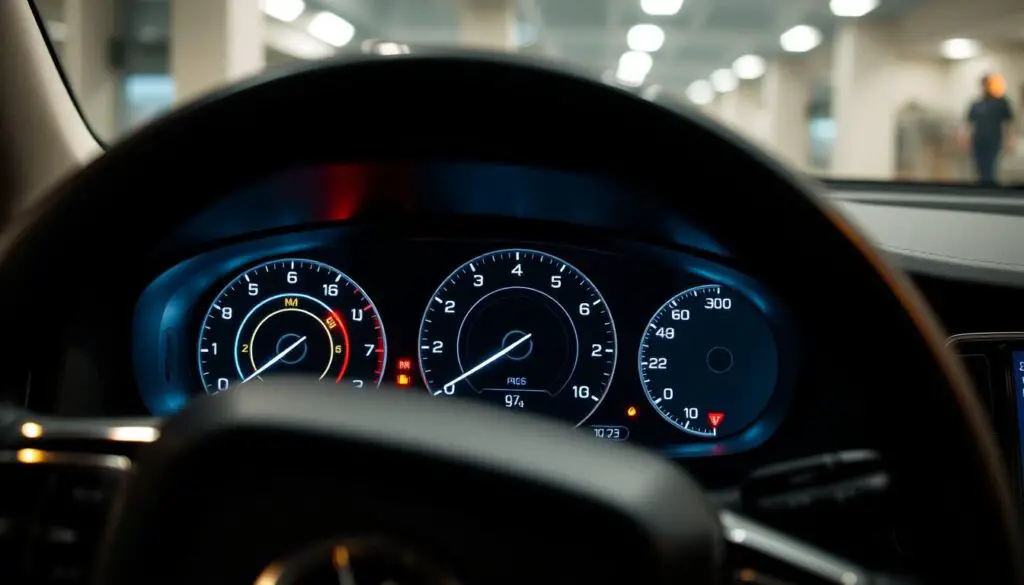
Step-by-step manual sequence
- Turn key to position 1 and press the trip button, holding it down.
- While holding the button, turn the key to position 2.
- Wait until the yellow or red warning begins blinking and the center arrow flashes three times.
- Release on the third flash, look for a confirmation message, then switch off the ignition.
- Restart the car and verify the maintenance message no longer appears.
Troubleshooting and follow-up
If the flashes do not show, retry with slower timing and confirm you used the correct button and ignition positions.
- If the indicator returns quickly, confirm oil and filter work was completed.
- Check for other warnings; low battery or another system issue can force a repeat message.
“A reminder clear does not fix a real fault—diagnose first, clear later.”
For more detailed tips and when to seek certified help, consult a trusted source or dealer if messages persist.
Alternative Reset Options and When to Get Volvo-Certified Help
When a reminder returns or several warnings appear, a scanner gives clearer answers than a button sequence. Use a code reader if messages repeat, multiple icons light up, or you need details about what the onboard system recorded.
OBD/code reader workflow:
- Locate the diagnostic port (often near the passenger headlight area or under the dash).
- Connect the scanner, cycle the ignition as the tool asks, and read stored codes.
- Interpret codes, then clear them only after repairs or verified maintenance.
Common Volvo code groups and what they mean
| Code Group | Typical systems | Real-world sign |
|---|---|---|
| A1 / A5 | Transmission / Transmission Control | Shifts rough or limp mode |
| A2 / A6 | Fuel System / Ignition | Poor idle, misfire, or fuel smells |
| A3 / B5 | ABS / SRS (airbags) | Brake ABS light or airbag warning |
Battery disconnect for a check engine light
As a last resort, power down the car, wear gloves, and disconnect the negative battery terminal. Wait about 15 minutes, then reconnect. This may clear a check engine lamp briefly.
“A cleared code that returns is proof the fault remains — seek diagnosis.”
Timing, hybrids, and when to book an expert
Scheduled intervals commonly fall every 7,500 miles. Routine visits include oil and filter change, multipoint checks, and a proper system reset using diagnostic tools. Mild hybrid, plug-in hybrid, and hybrid platforms use multiple modules; that raises the value of Volvo-certified equipment and an expert technician.
Book certified help when warnings repeat, SRS or ABS codes appear, drivability worsens, or you want records aligned with factory intervals. Use official channels or the Volvo Cars app to schedule and to keep service history accurate across models such as the Volvo XC40, Volvo EX30, or Volvo EX90.
Conclusion
, Keep the dashboard honest by confirming maintenance before clearing any alerts.
Only clear a service reminder after oil, filter, and parts work are done. This keeps the message useful for future checks on your volvo xc60 or volvo xc90.
At a high level, perform the manual sequence: hold the trip computer button while moving through ignition positions, release on the correct flash, then cycle the ignition and verify the message is gone.
If the light returns, diagnose rather than repeat the same action. Scan the system or seek expert help for recurring reminders, SRS/ABS warnings, or unresolved check-engine codes.
Follow factory intervals (often about 7,500 miles), record each change, and schedule professional resets when needed to keep vehicle history accurate.
FAQ
What does the maintenance reminder versus the check engine message mean?
The maintenance reminder notifies you about scheduled services such as oil, filters, or inspections. The check engine message signals a fault in engine, emissions, or drivetrain systems. Treat the check engine message as a diagnostic priority; ignoring it can lead to bigger repairs.
Why should I diagnose an issue before attempting a light change?
Clearing a message without fixing its cause masks problems and may allow damage to continue. Use an OBD-II reader or a Volvo-approved scanner to view fault codes first. If codes point to oil, battery, or sensor faults, address those items before clearing the reminder.
What safety steps and ignition positions are important before using the trip computer button?
Park on level ground and engage the parking brake. Use the ignition position that powers the instrument cluster but not the engine—often ACC or ignition on. The “hold button” usually refers to the trip/reset button on the steering wheel or instrument cluster; press and hold as instructed in the owner manual.
How do I manually clear the maintenance message using the trip computer button?
Turn the ignition to ACC or ON without starting the engine. Navigate the trip display to the service menu, then press and hold the trip/reset button until the service interval resets. Release when the message changes or disappears. Procedures vary slightly by model year and display type.
What indicates a successful reset on the dashboard?
The service reminder message or icon should disappear and the interval counter should show the next service mileage or days. Some displays show “Service in — miles” or reset to full interval. No warning symbols should remain related to maintenance.
If the maintenance message comes back soon after clearing, what should I check?
Recurrent messages usually point to unresolved issues: expired oil life sensor, low fluid, a failing battery, or persistent fault codes. Scan for stored codes, inspect oil level and filter, and check battery condition and connections before attempting another clear.
Can an OBD-II reader both identify faults and clear maintenance messages?
Yes. Many OBD-II tools show diagnostic trouble codes and allow technicians to clear codes and service reminders. For Volvo systems, a Volvo-specific scanner or professional-grade tool provides more accurate module information and service interval programming.
What common diagnostic codes appear on Volvo models and what might they mean?
Typical codes relate to oxygen sensors, EVAP leaks, turbocharger pressure, or emissions components. Codes can indicate anything from a loose gas cap to a failing sensor. Interpret codes with freeze-frame data and live parameters for a reliable repair plan.
Will disconnecting the battery clear the check engine message permanently?
Disconnecting the battery may clear codes temporarily, but will not fix underlying faults. The light will likely return once the system runs self-tests. Use this method only as a short-term measure and follow up with proper diagnostics.
How do scheduled maintenance intervals affect when a reminder can be cleared?
Service intervals are set by mileage or time and by vehicle configuration, including mild-hybrid or plug-in hybrid variants. The system prevents permanent clearing without resetting the interval in the car’s service menu or with dealer tools. Keep accurate records to match intervals.
When should I book a Volvo-certified service instead of attempting a reset myself?
Schedule dealer or certified technician help if diagnostics show persistent codes, if multiple modules report faults, or when software updates and system calibrations are required. Certified service ensures correct parts, battery checks, and that the vehicle’s maintenance history is recorded.