
Keeping your Volvo’s software up to date ensures you have access to the latest features, security patches, and performance improvements. Modern Volvos receive regular Over-the-Air (OTA) updates that enhance functionality and fix bugs without requiring a visit to the dealership.
This comprehensive guide will walk you through the entire process of updating your Volvo’s software in 2025, whether you have the latest model with Google built-in or an older vehicle with the Sensus system. Important: Never turn off your vehicle or disconnect the battery during a software update. This could result in corrupted software and require a visit to the dealership for recovery. Not all Volvo models support the same update methods. Here’s a quick compatibility guide: While software updates typically preserve your settings, it’s good practice to note down your important preferences before updating: Software updates require a stable power supply: Check if your Volvo model supports OTA updates and find the latest software version available for your vehicle. OTA updates are the most convenient way to keep your Volvo’s software current. These updates are delivered in two phases: the download phase and the installation phase. To ensure your vehicle always receives the latest updates: Note: For cars with software version 2.9 and later, the download will take place whether the car is in use or not. For vehicles with older software, the download can only be performed while the car is in use, which may require several driving cycles to complete. After downloading the software, follow these steps to install it: Important: Do not access your vehicle during the installation process. This may disrupt or halt the process, potentially causing operational issues. If you need to access the vehicle during installation, use the key blade as the remote function of the key fob will be disabled. Download the official Volvo Cars app to receive notifications about software updates and monitor the update process remotely. For older Volvo models without OTA capability or in situations where OTA updates aren’t possible, USB installation is an alternative method. In some cases, visiting a Volvo dealership for a software update is the best or only option: When you visit a Volvo dealership for a software update: Find your nearest authorized Volvo dealership for expert help with software updates and system diagnostics. If your OTA update fails to complete: For minor glitches after an update or during the update process: Recent Volvo software updates have included significant improvements: Volvo typically releases major software updates every 3-6 months, with smaller security and bug fix updates more frequently. The exact schedule varies based on your vehicle model and current software version. No, Volvo software updates cannot be reversed once installed. Each update builds upon previous versions and includes important security patches. If you experience issues after an update, contact your Volvo dealer for assistance. While software updates can resolve many electronic and system issues, they cannot fix mechanical problems or hardware failures. If your vehicle has persistent issues after updating, a diagnostic check at a Volvo service center is recommended. OTA updates are typically free for supported vehicles. However, if you don’t update your car regularly, you may need to visit a workshop for an assisted software update to regain OTA capability, which may incur a fee. Major system updates at dealerships might also have associated costs. Vehicles with OTA capability will display a notification on the center display when updates are available. You can also check your current software version under Settings > System > About and compare it with the latest version listed on Volvo’s support website. Yes, you can use your vehicle normally during the download phase. The download occurs in the background and doesn’t affect vehicle performance. However, during the installation phase, the vehicle cannot be driven and should remain parked and locked. Regular software updates are an essential part of Volvo ownership, ensuring your vehicle continues to perform at its best while offering the latest features and security improvements. Whether you choose OTA updates, USB installation, or dealership assistance, keeping your Volvo’s software current will enhance your driving experience and maintain your vehicle’s value. Remember to check for updates regularly and follow the proper procedures to ensure successful installations. If you encounter any difficulties, Volvo’s customer support and authorized dealerships are available to provide assistance.Preparation Steps Before Updating
Check Compatibility
Model Years OTA Support USB Support XC90, XC90 Recharge 2023 and later Yes Limited C40 2022-2024 Yes Limited XC60, XC60 Recharge 2022 and later Yes Limited XC40 (Mild Hybrid) 2023 and later Yes Limited XC40 Recharge Pure Electric 2021-2024 Yes Limited S60, S60 Recharge 2023 and later Yes Limited Older Volvo models with Sensus Pre-2021 No Yes Backup Important Settings
Ensure Battery Stability
Not Sure About Your Vehicle’s Compatibility?
Method 1: Over-the-Air (OTA) Updates
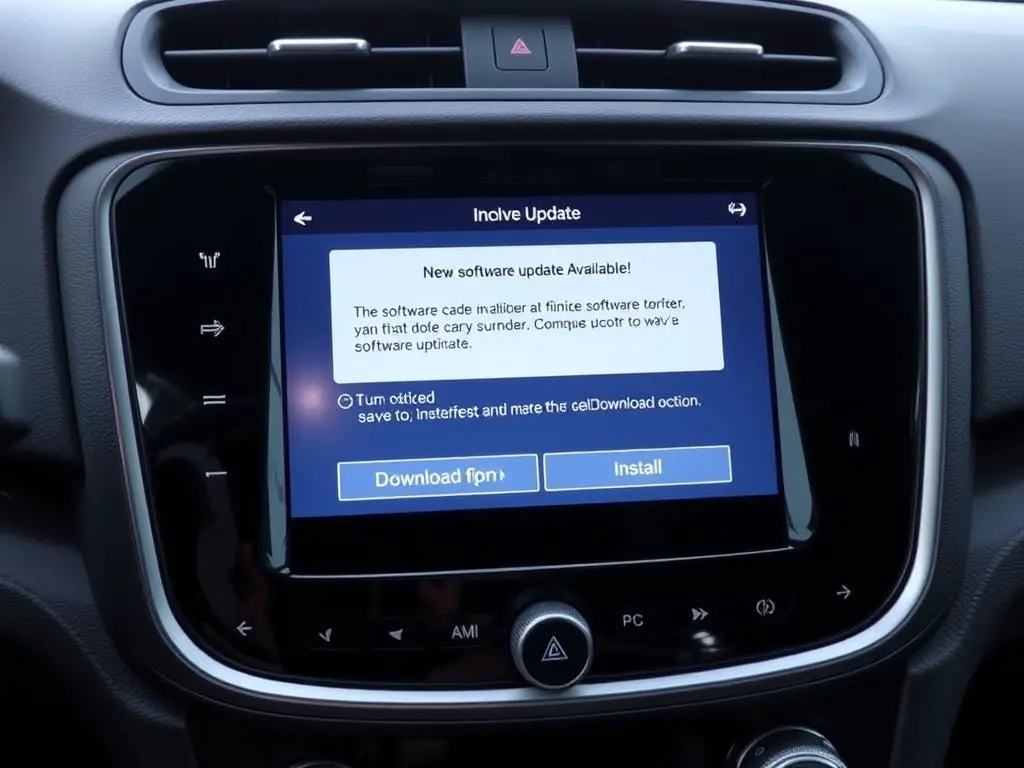
Step 1: Downloading OTA Updates
Step 2: Installing OTA Updates
Get the Volvo Cars App
Method 2: USB Manual Installation
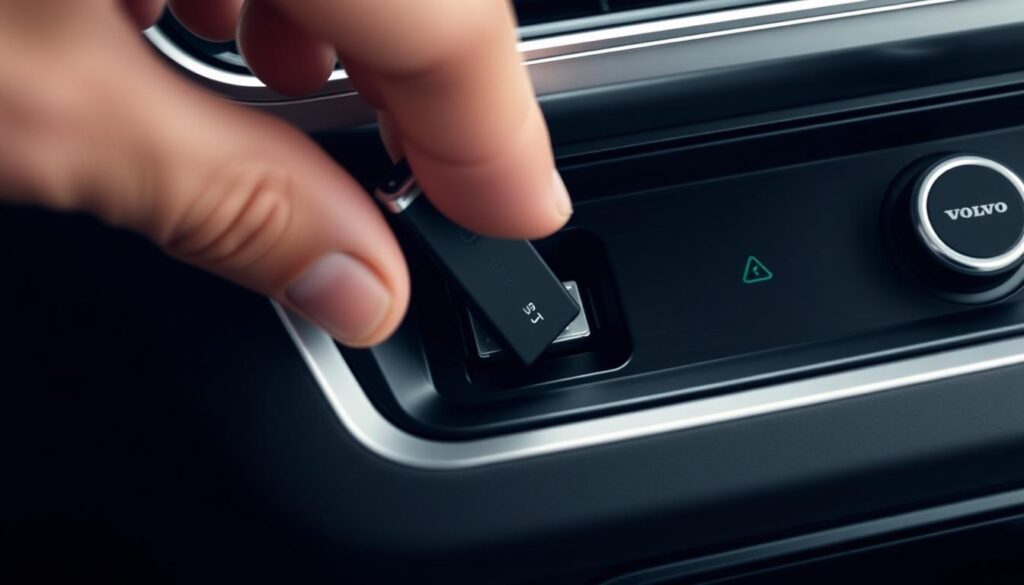
What You’ll Need
Step-by-Step USB Update Process
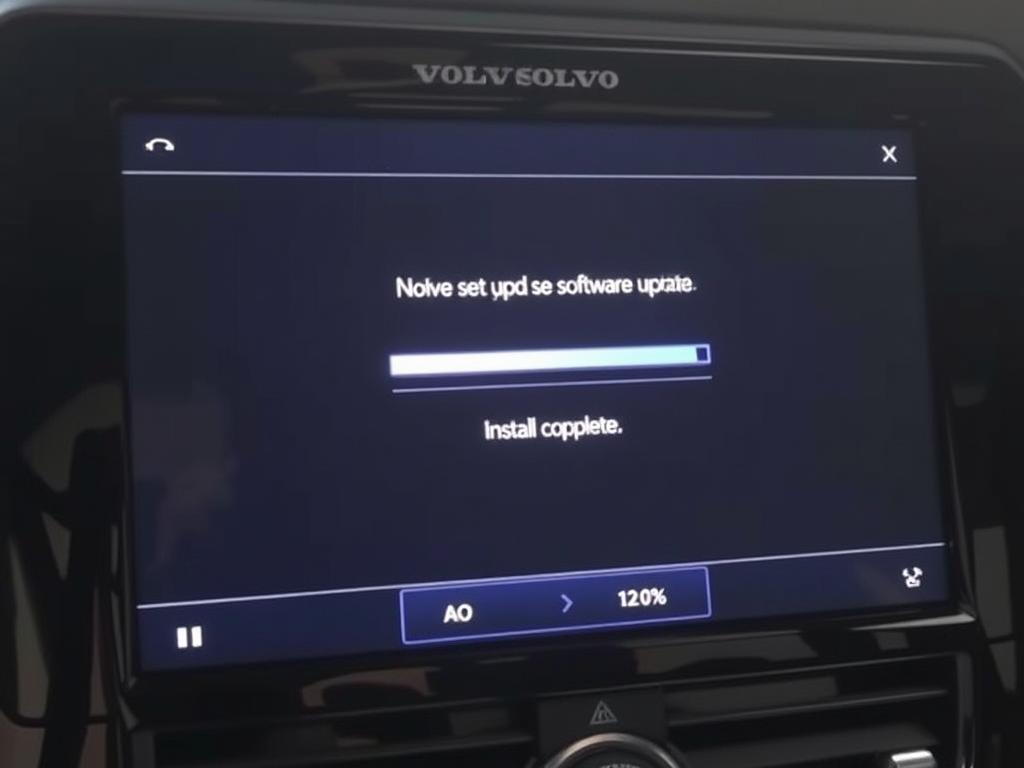
Method 3: Dealership Assistance
When to Visit a Dealership
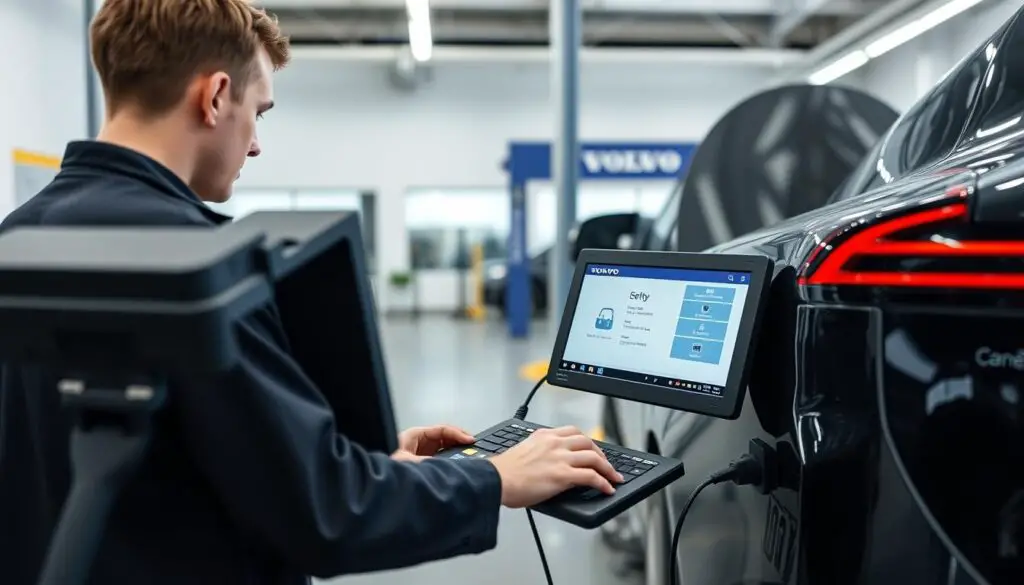
Need Professional Assistance?
Troubleshooting Common Update Issues
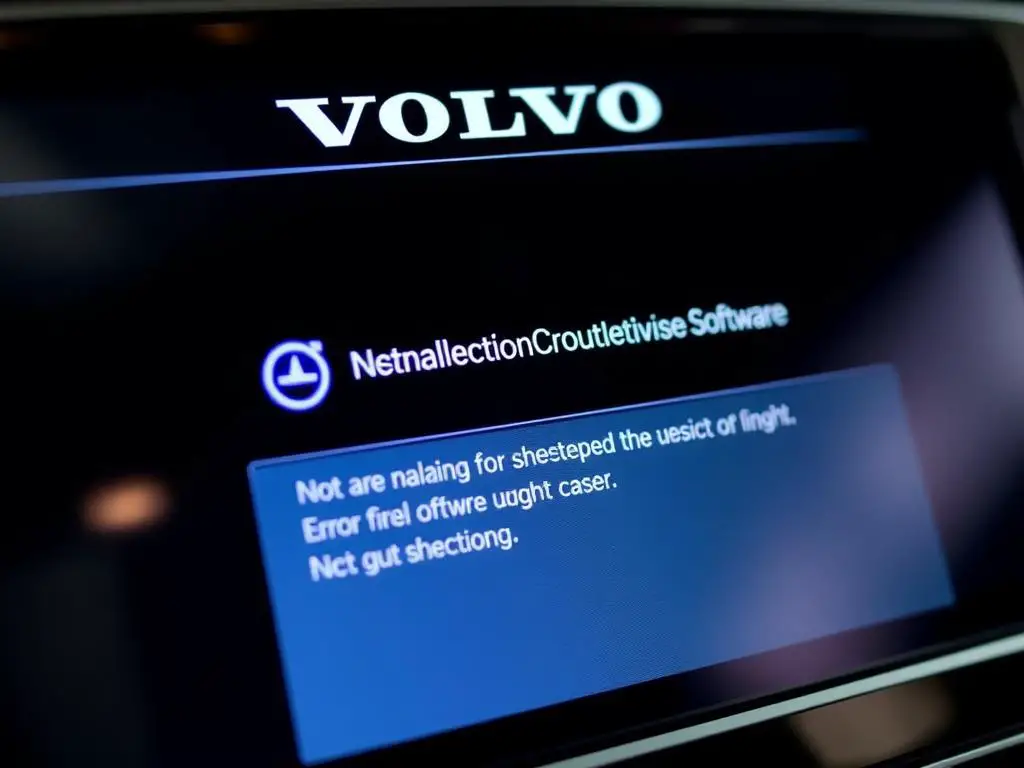
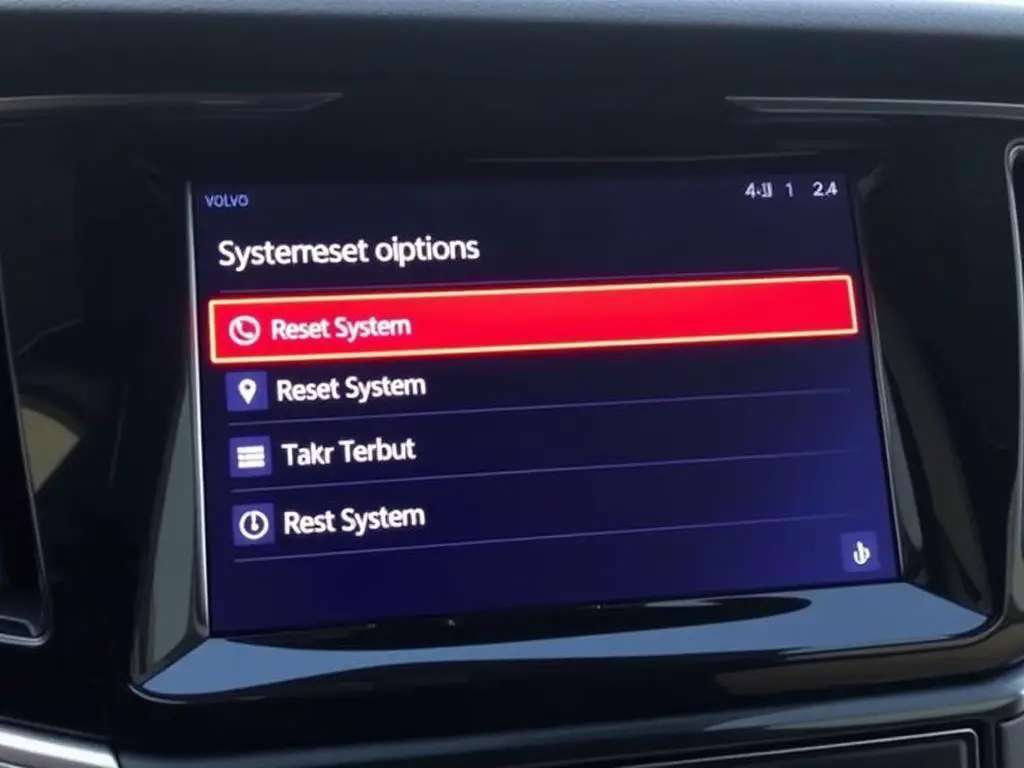
System Rebooting
Rebooting Sensus System (Older Models)
Rebooting Android Automotive OS (Newer Models)
Error Code Description Solution OTA_CONN_ERR Connection error during download Check internet connection, move vehicle to area with better reception OTA_BATT_LOW Battery level too low Charge vehicle to at least 40% before attempting update OTA_INST_FAIL Installation failure Restart vehicle, try installation again, or contact dealer USB_COMP_ERR USB compatibility error Reformat USB drive to FAT32, download update files again Benefits of Regular Software Updates
Benefits of Regular Updates
Recent Update Highlights
Infotainment Enhancements
Performance & Safety Updates
How often does Volvo release software updates?
Can I reverse a software update if I don’t like the changes?
Will software updates fix all technical issues with my Volvo?
Do I need to pay for Volvo software updates?
How do I know if my Volvo needs a software update?
Can I use my Volvo during the software download phase?
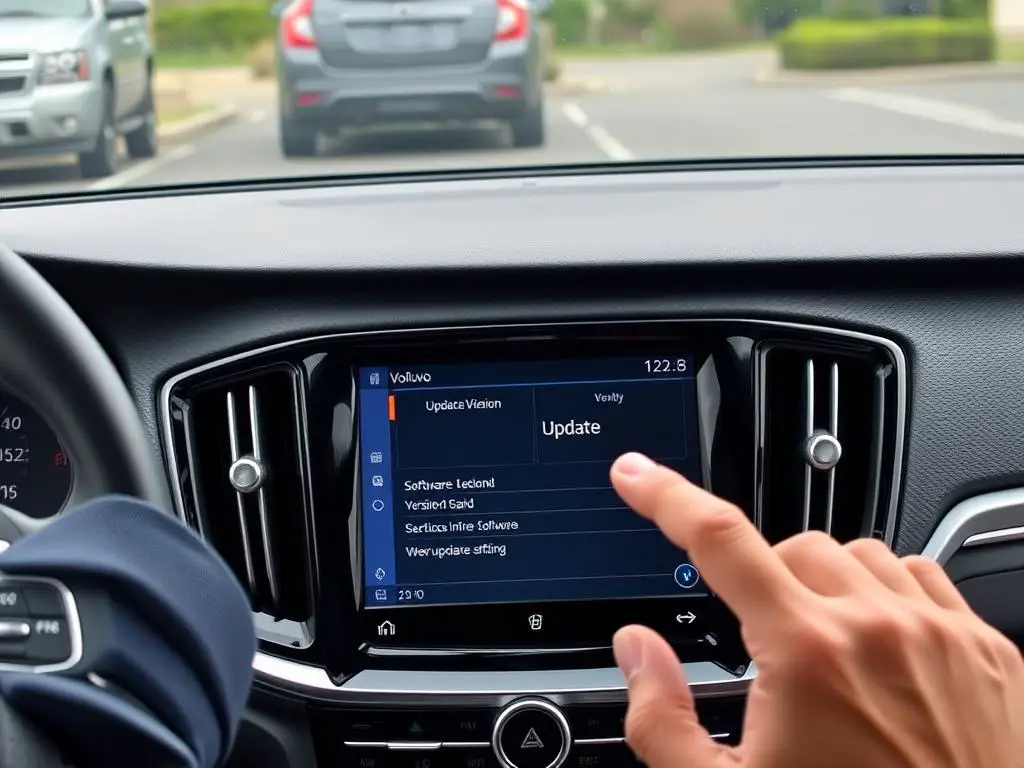
Keeping Your Volvo Up to Date